
81 wavelengths, end to end
Light is traced from 380 to 780 nm in 5 nm steps, through the film's sensitivity and dye densities and then the paper's, the way an enlarger and a scanner do it. Nothing inside the engine is an RGB working space.
SpektraLab 1.3.3 · macOS · Apple silicon
Open a RAW, pick a film and a paper, and get a physically modelled print — grain, halation, couplers, the enlarger's filter pack — in about a second. Light is traced through 81 wavelengths, the way a darkroom does it.
Free and open source · macOS 15 or later · Apple silicon · 30.7 MB DMG, signed and notarised
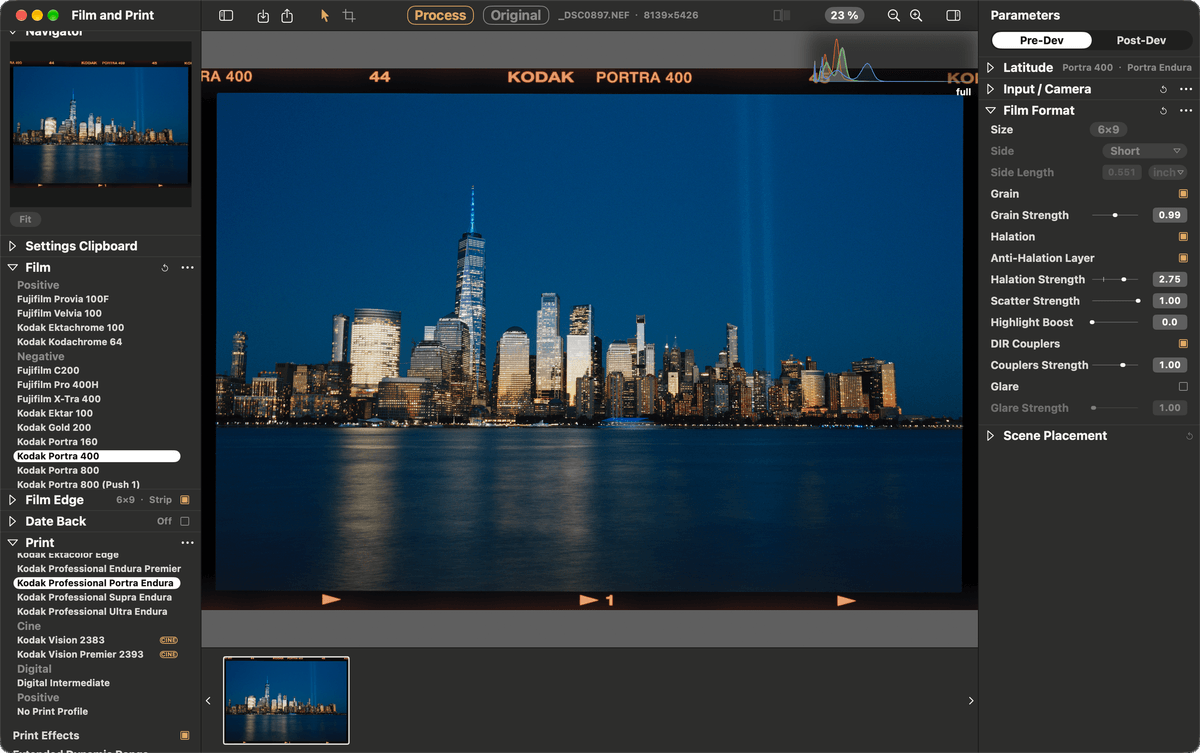
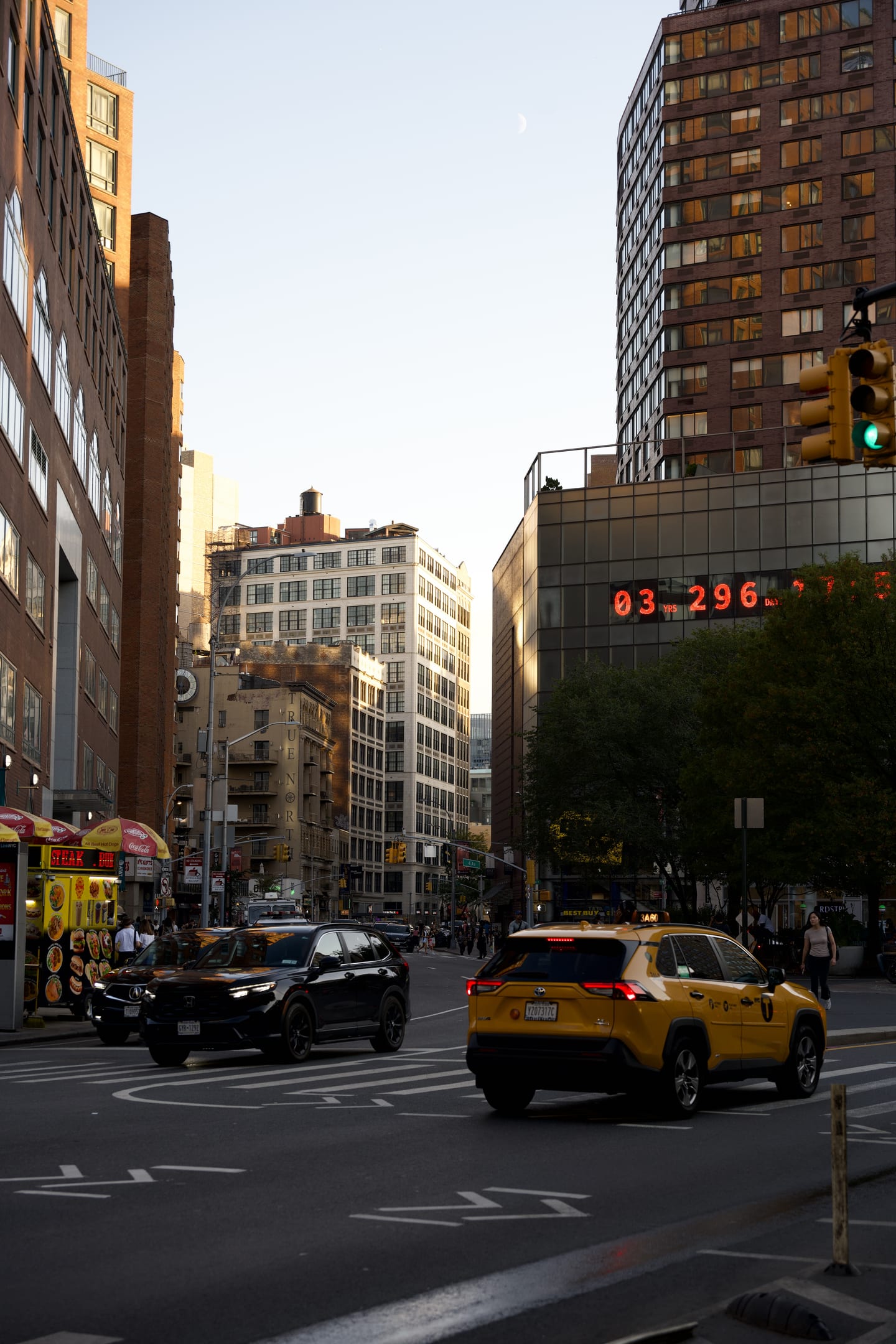
Lower Manhattan on Kodak Portra 400, printed on Kodak Portra Endura — rendered live at 23 %, histogram top right.
RAW in. Print out.
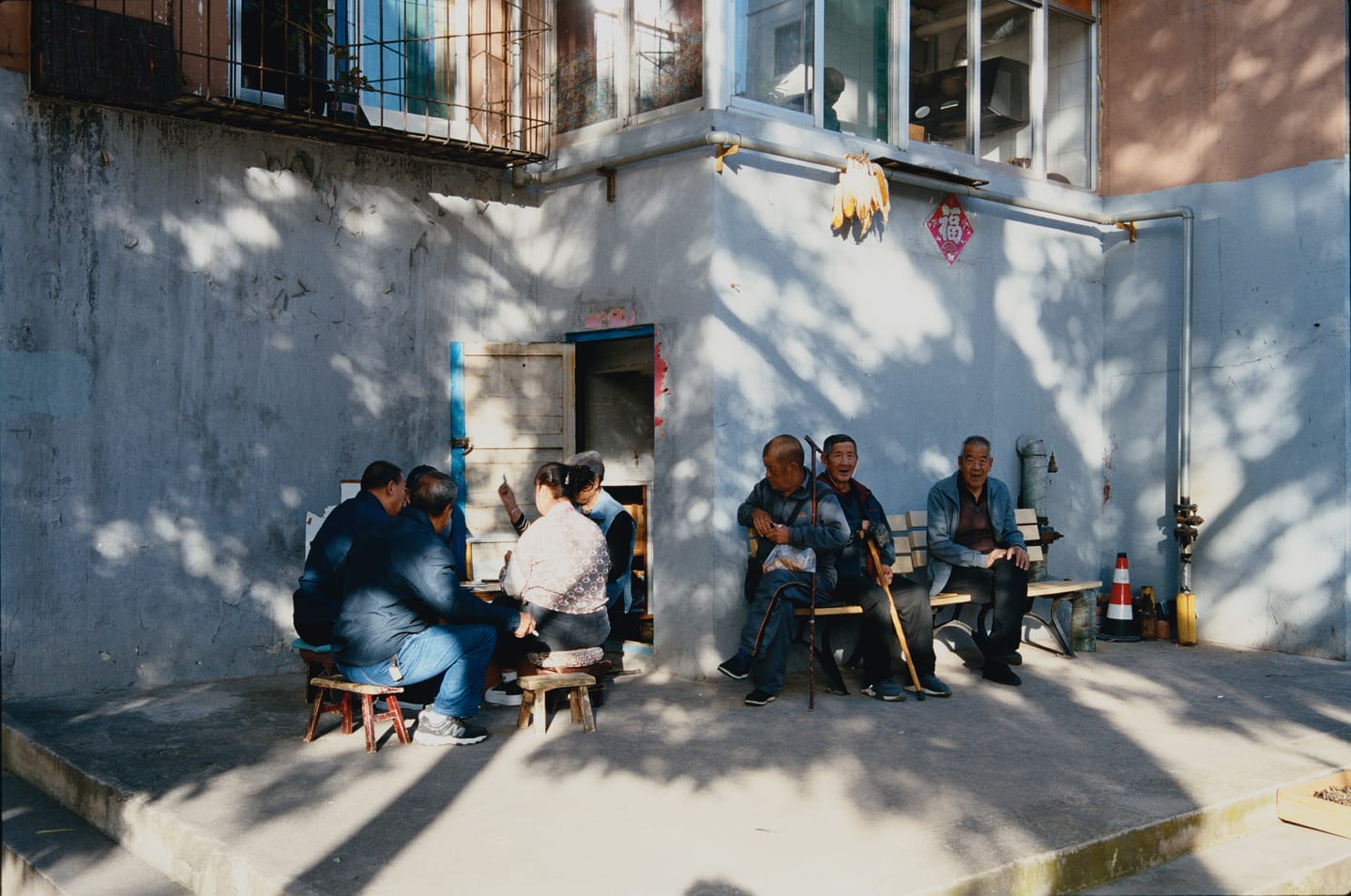
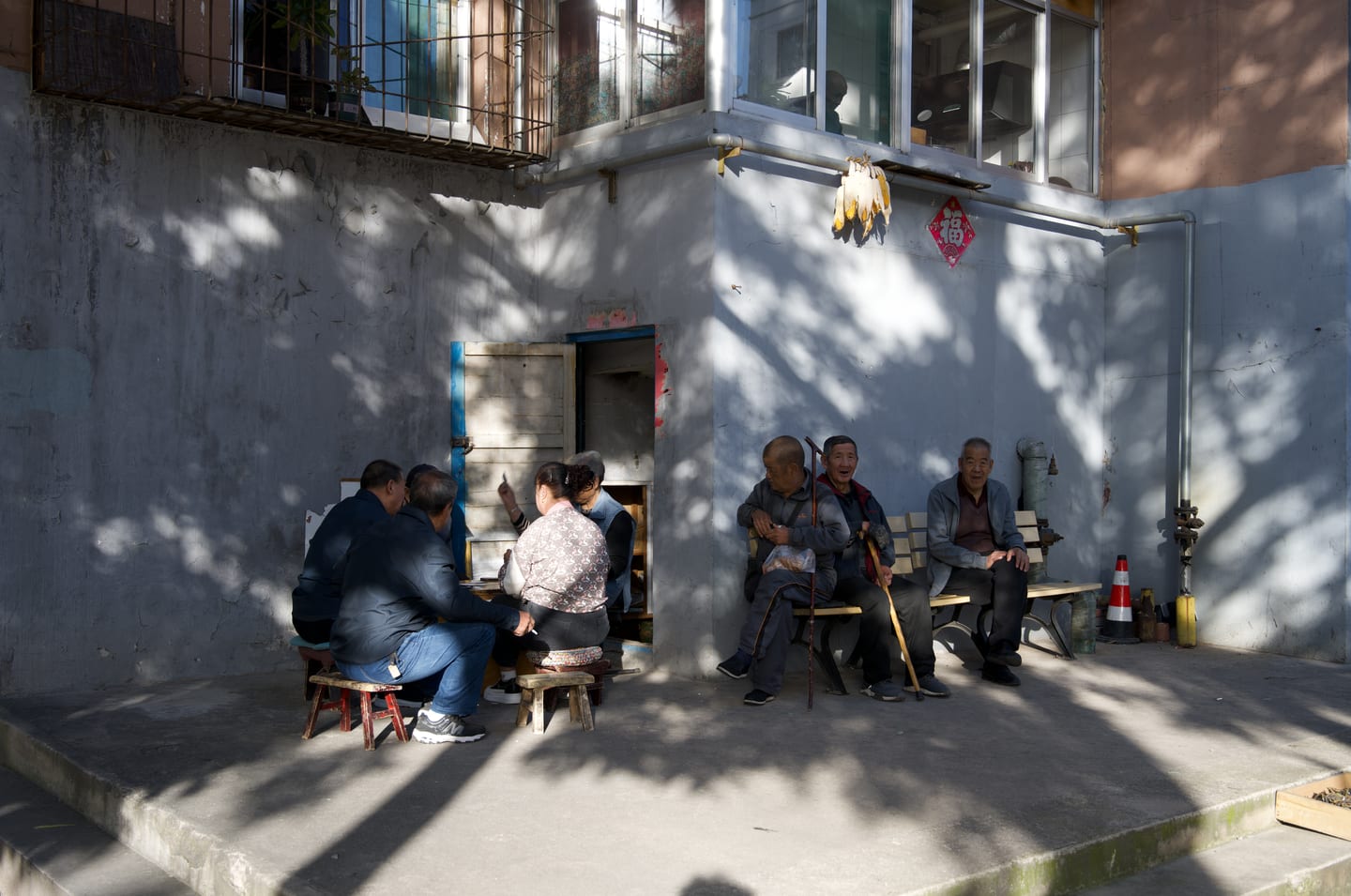
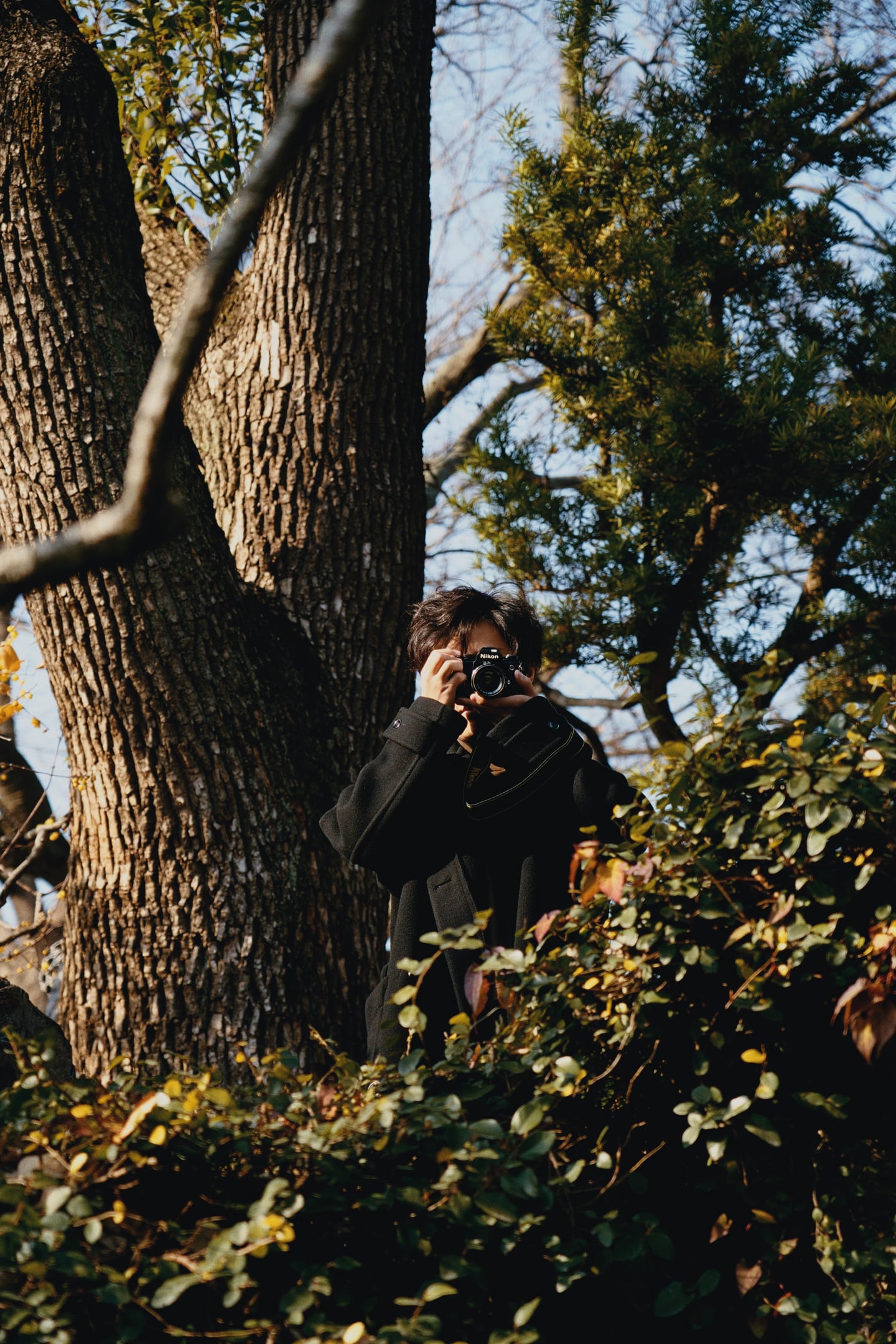
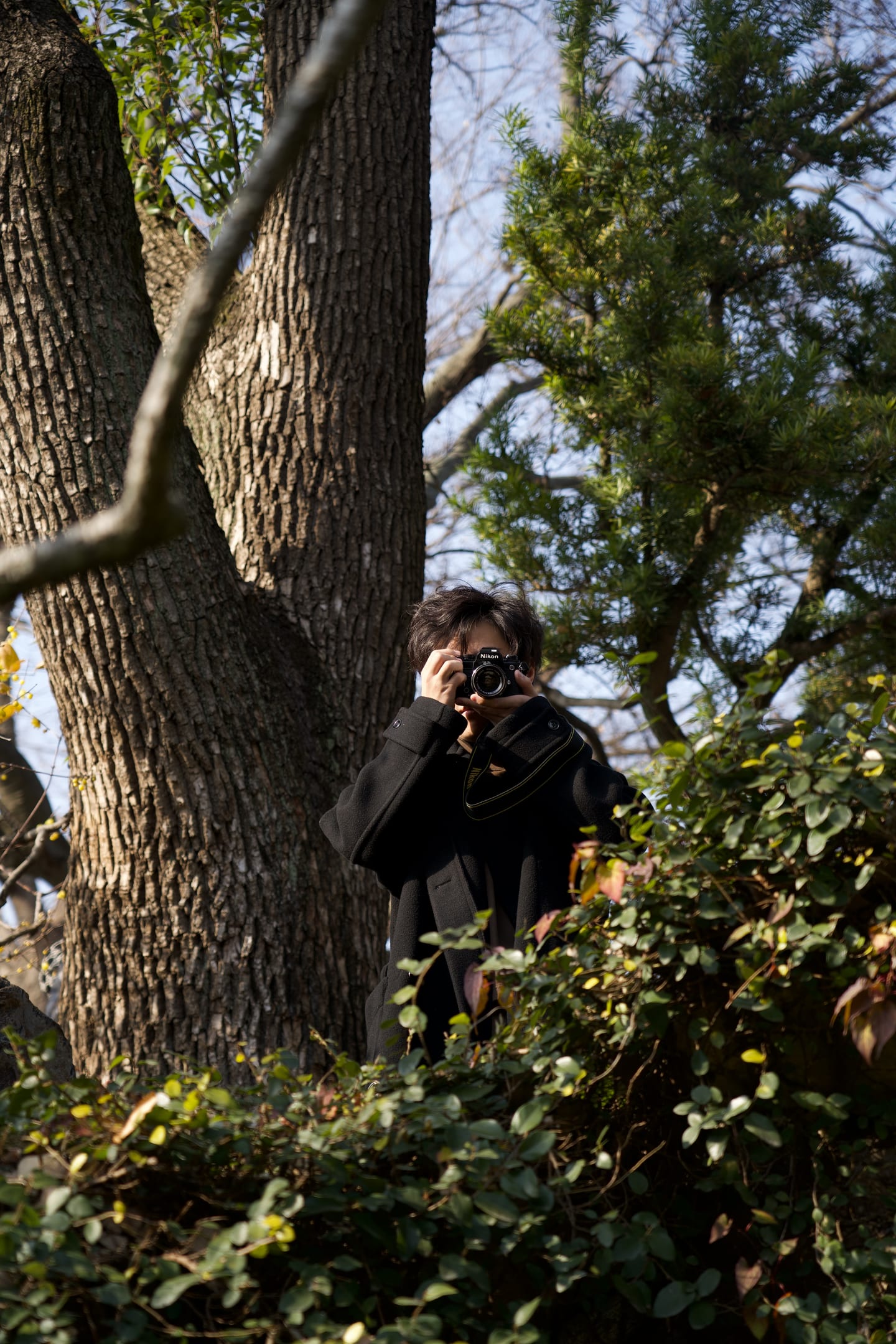
On the left, the RAW as the app's Original view decodes it: same geometry, nothing cropped. On the right, the same frame developed on a film and printed on a paper. No layers, no curves — the look is the materials.
Physics, not presets
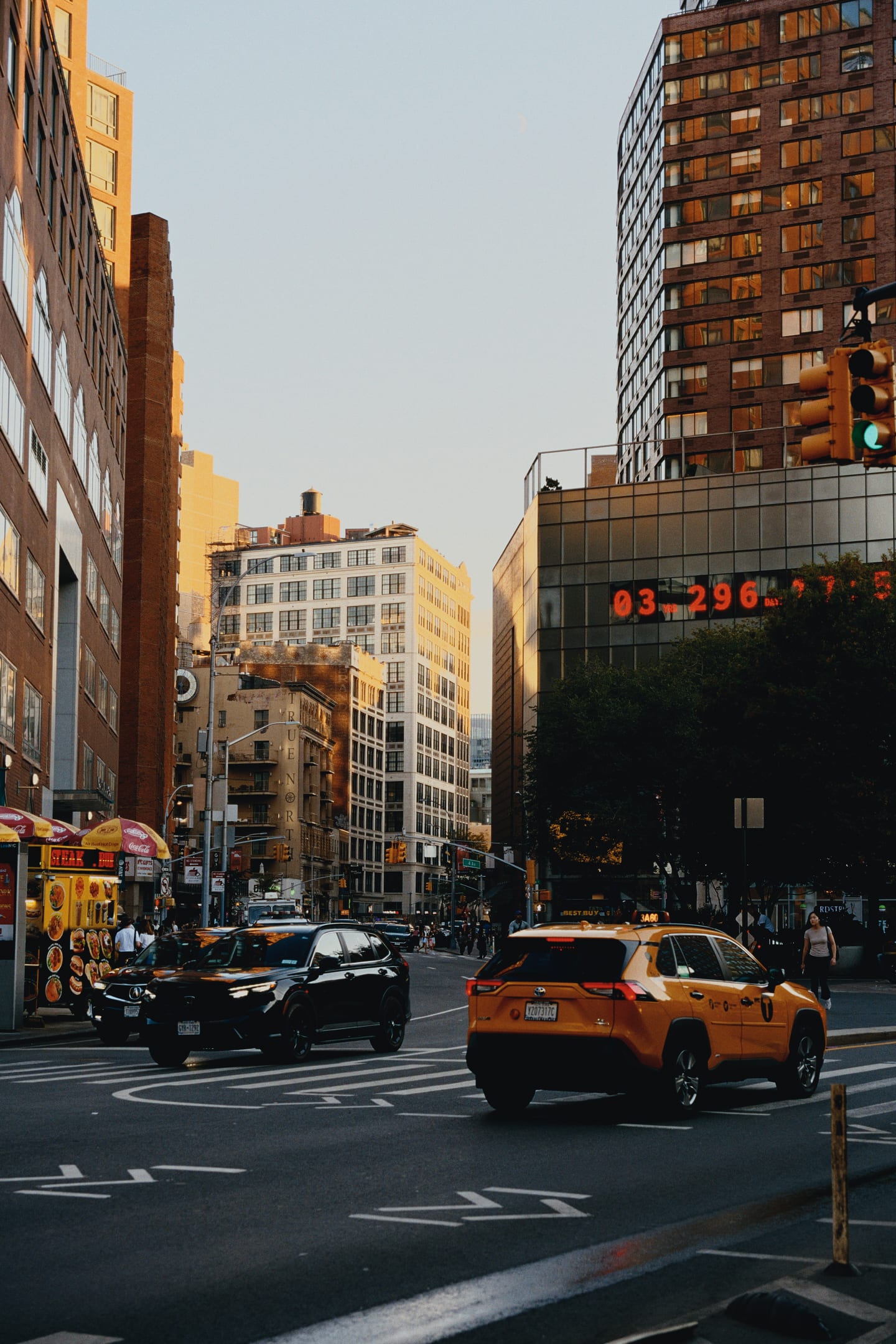
A preset is a table that moves colours. SpektraLab moves light — through the film's dye layers, then the paper's — so the look is whatever those materials do, at whatever size the negative is.
Light is traced from 380 to 780 nm in 5 nm steps, through the film's sensitivity and dye densities and then the paper's, the way an enlarger and a scanner do it. Nothing inside the engine is an RGB working space.
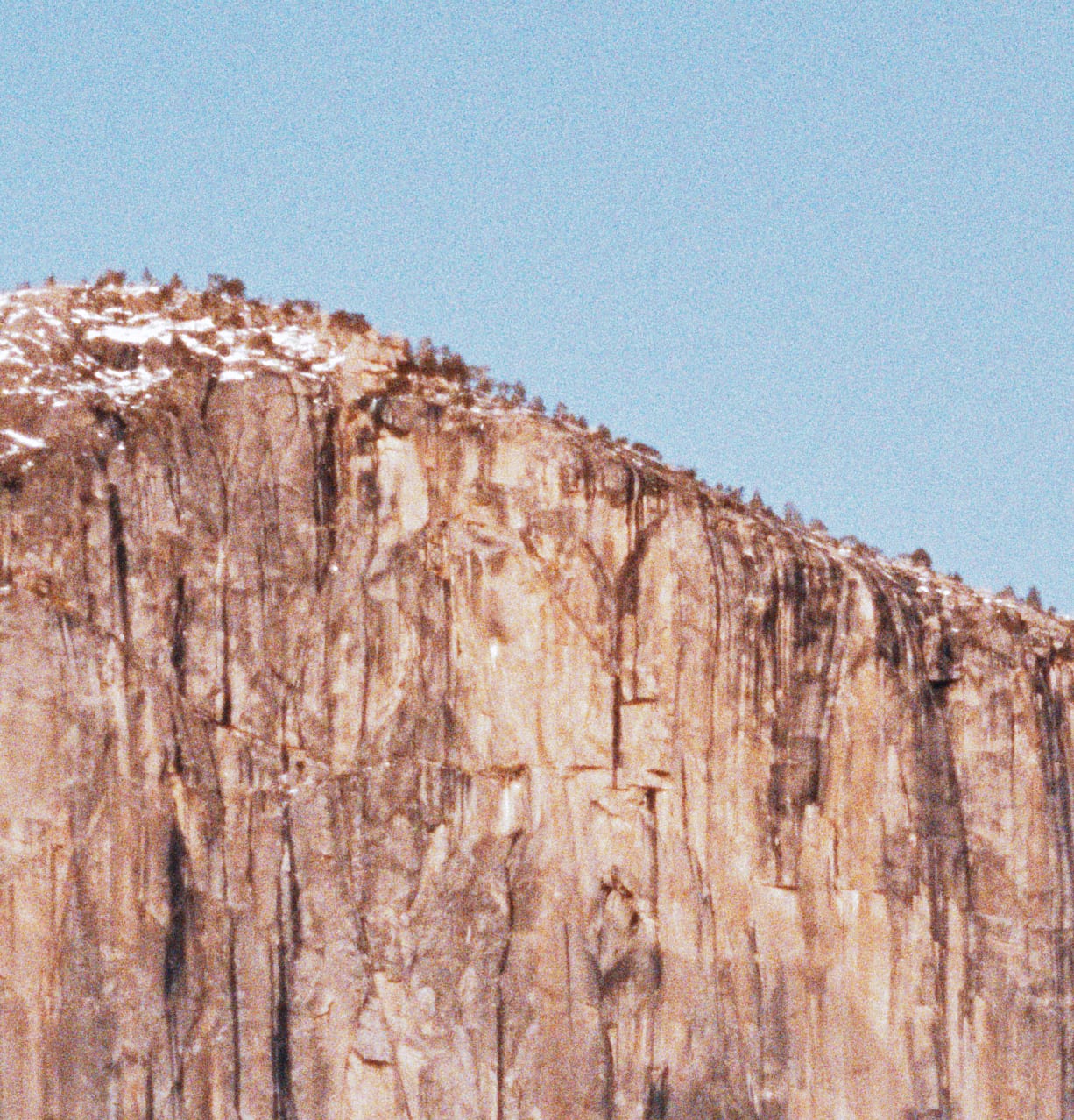
Tell it the negative is 35 mm or 120 and grain, halation and coupler diffusion scale with the frame in micrometres. Call the same photograph 35 mm and its grain is coarser — correctly.
A C++ Metal engine compiled into the app, no interpreter and no fallback. Print-side edits reprint from the cached negative; the full-resolution render lands under a second later.
ProPhoto RGB from decode to export. Each file is gamut-mapped once, into the space you ask for, and soft-proofed at its own resolution before it is written. The file is the thing that does not move.
The meter says how much of the scene the film and paper hold, in stops from mid-grey — metered on the picture, never the rebate. Scene Placement pulls the rest in through the engine's own fit.
How it works
Every control sits on the stage that owns it. Film Format, grain and halation act before development; the enlarger's filter pack and paper after; a grade only on the scan.
Films and papers
Every stock is a measured profile — characteristic curves, dye spectra, coupler and halation behaviour. Choose a film and its paper comes with it; a slide film is scanned, not printed.
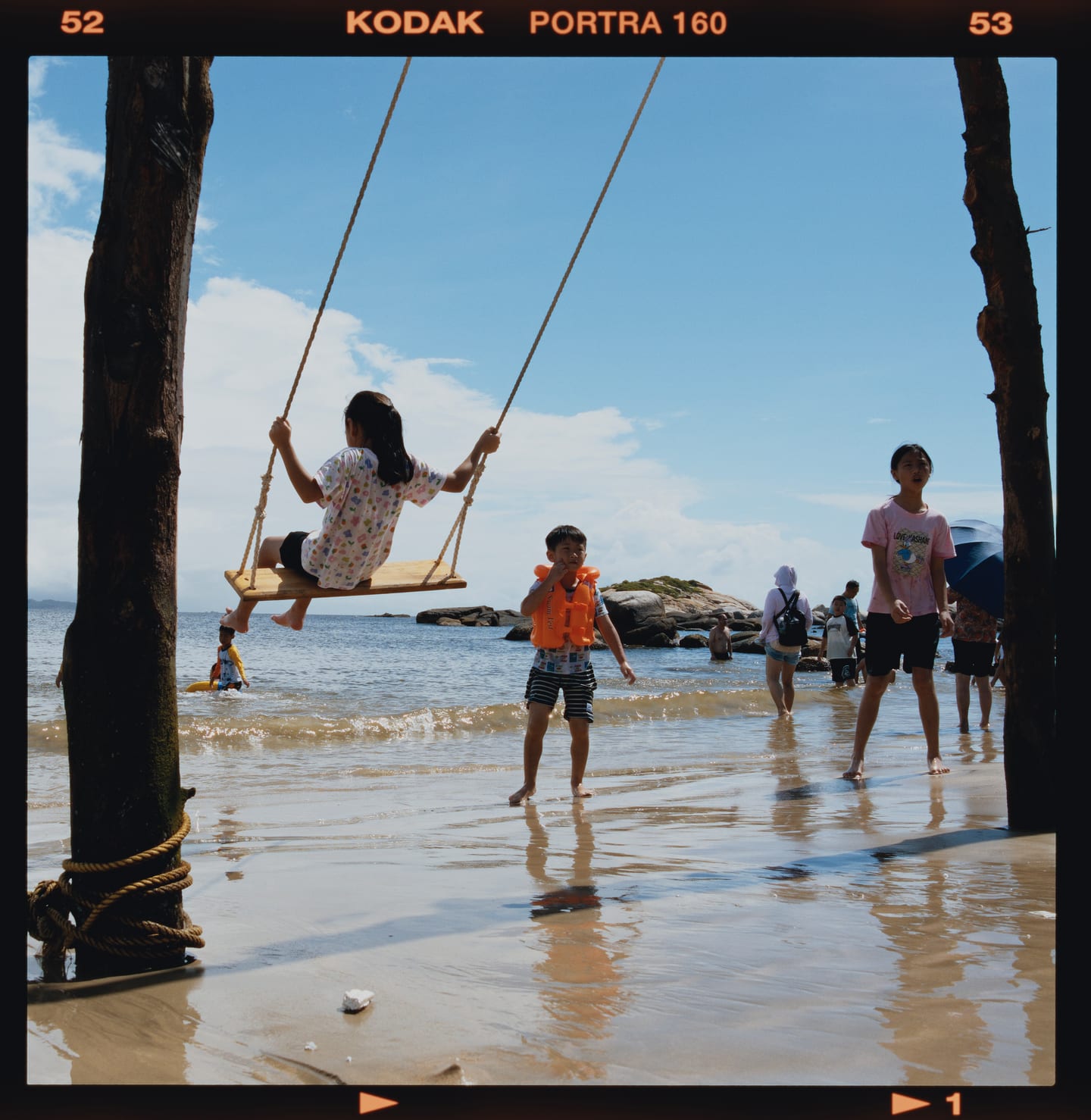
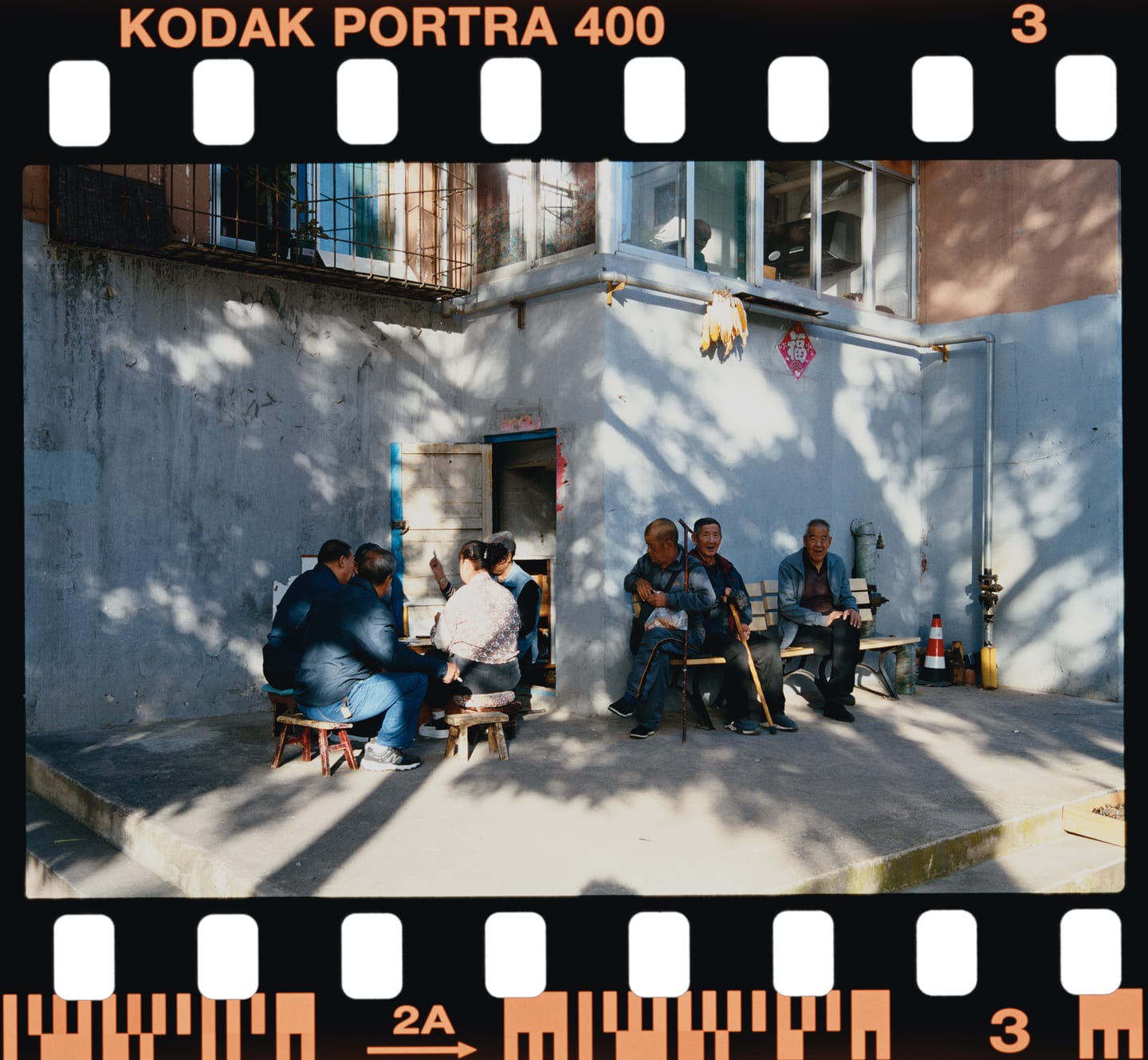
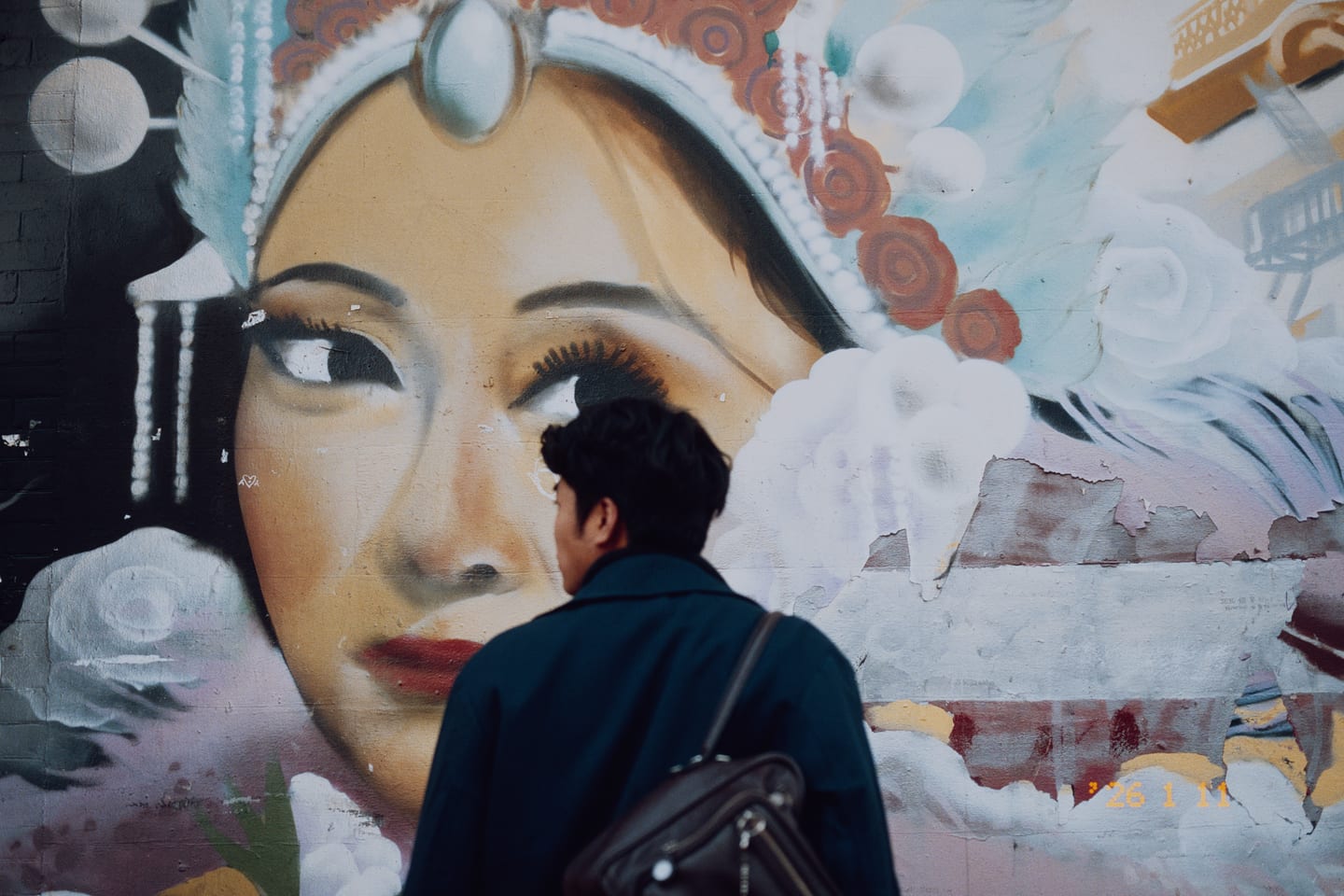
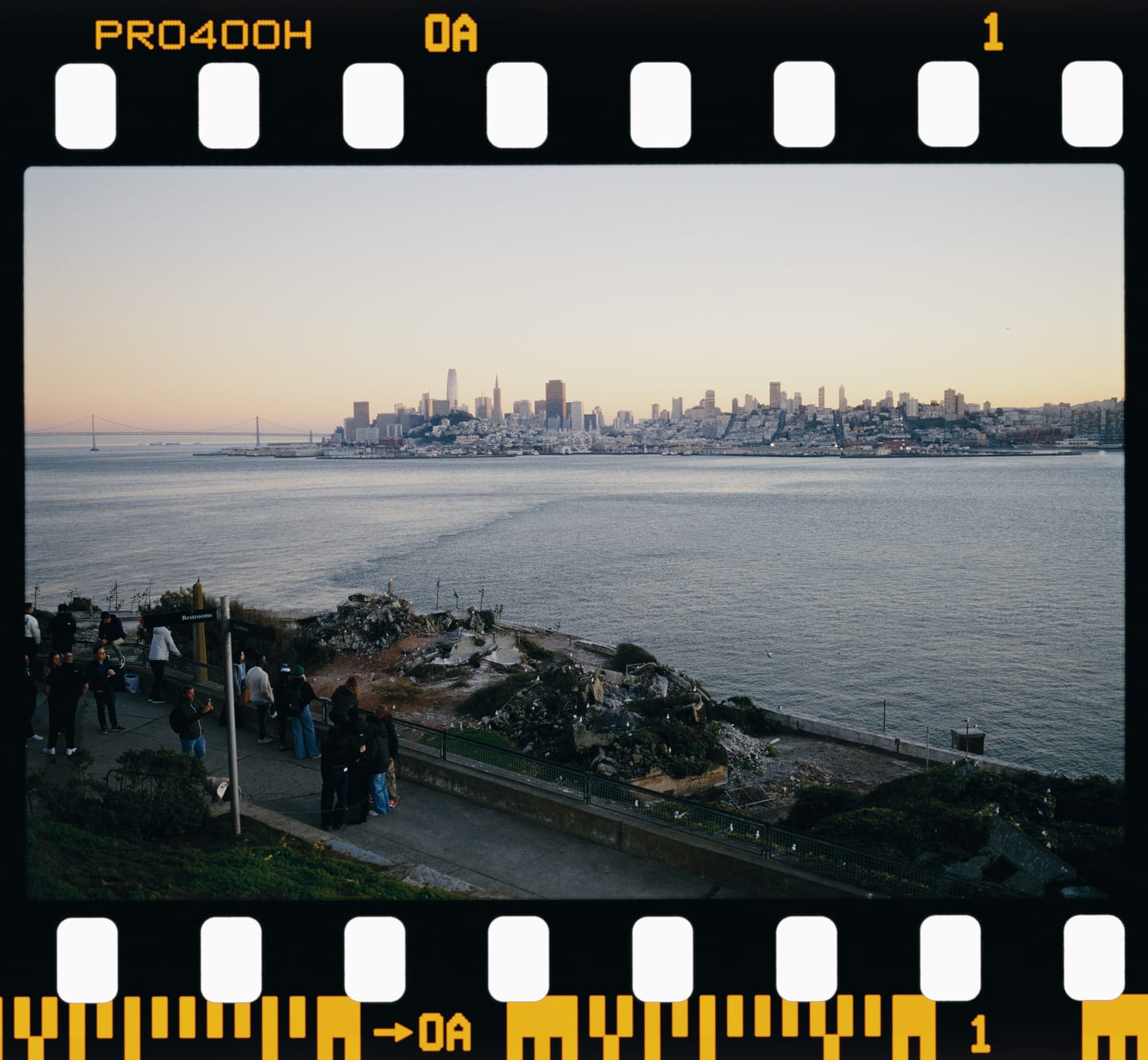
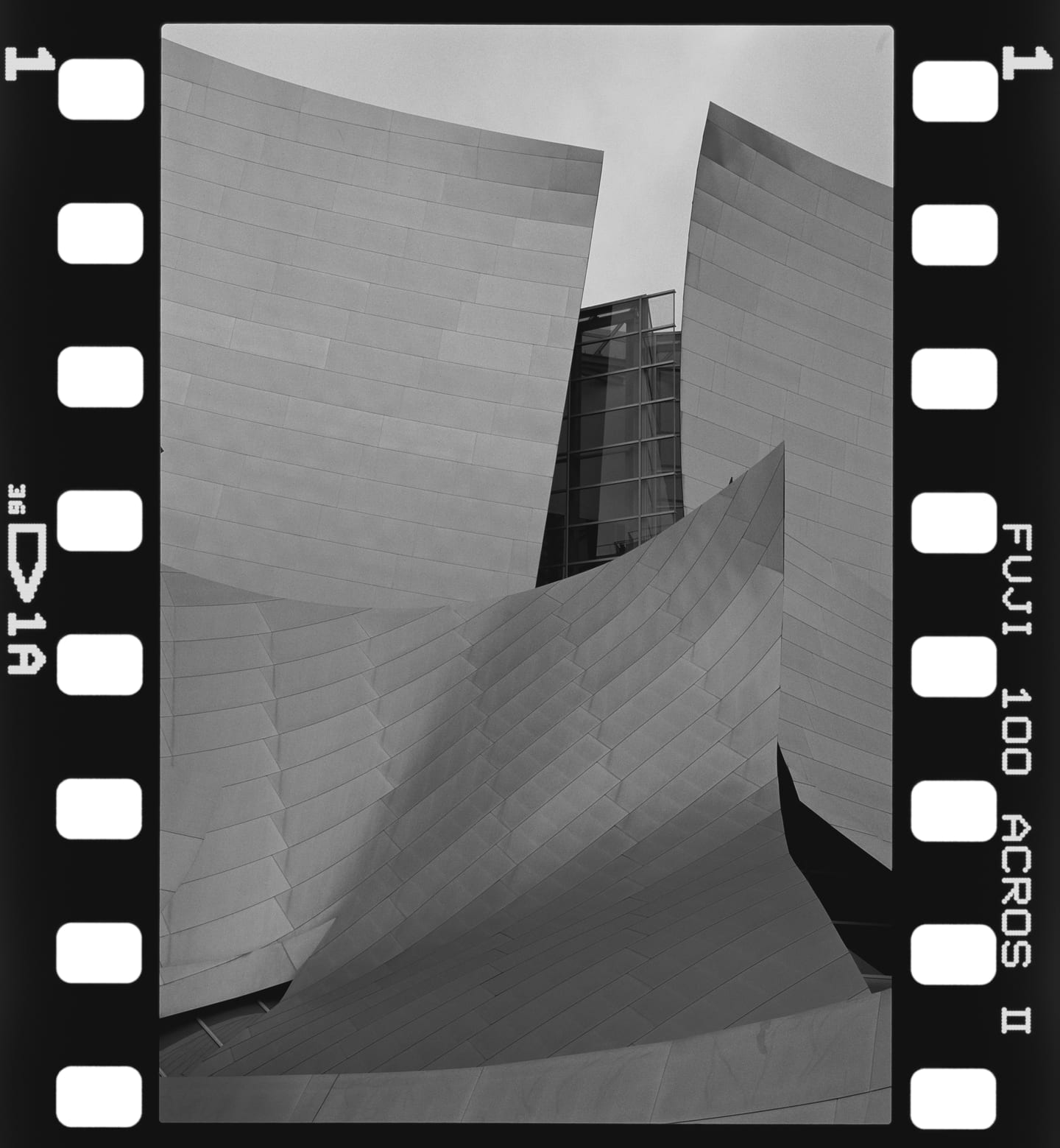
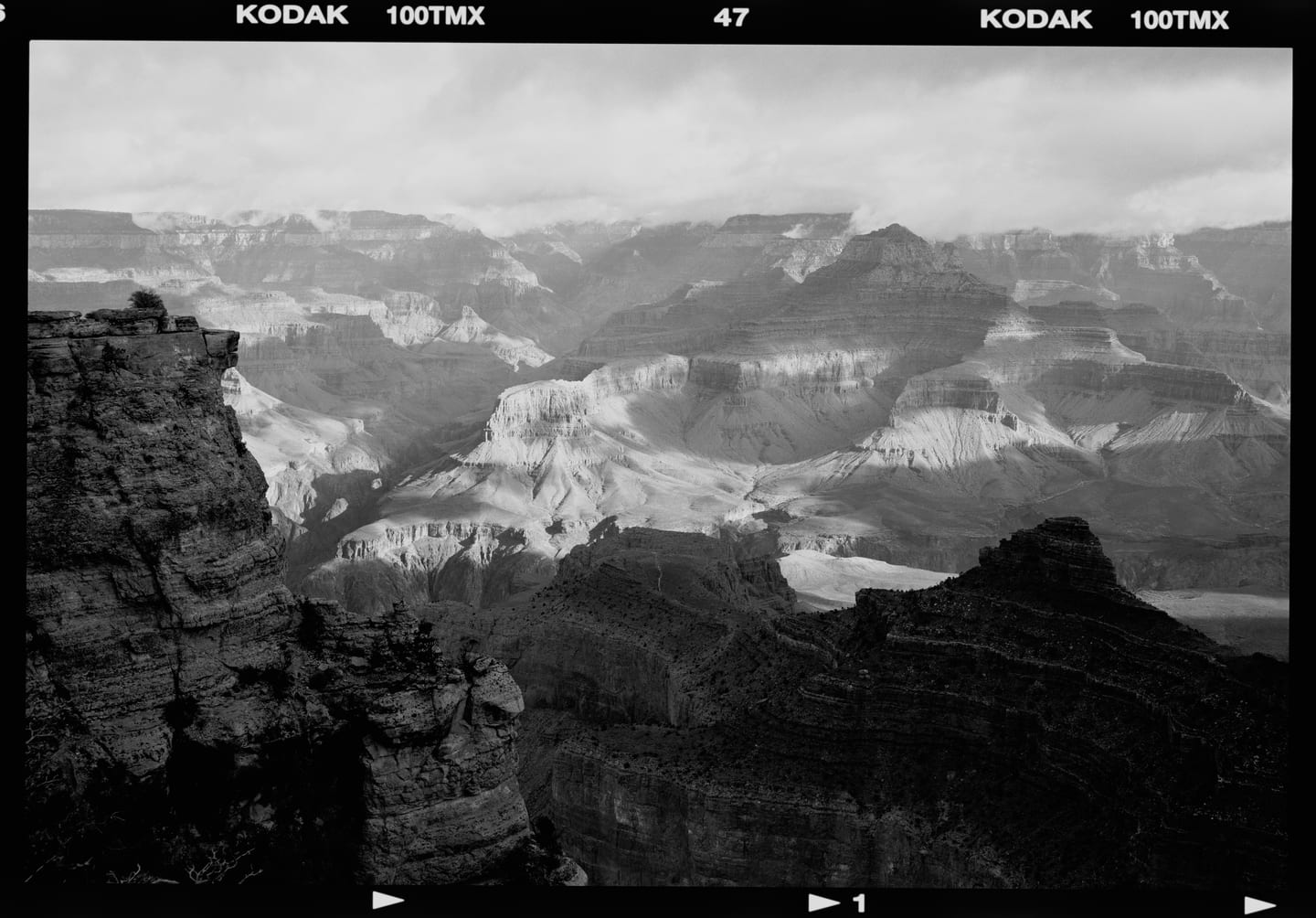
Film and paper names are their manufacturers' trademarks, used only to identify the measured materials. SpektraLab is not affiliated with or endorsed by Kodak, Fujifilm or Ilford.
Film Edge · Date Back
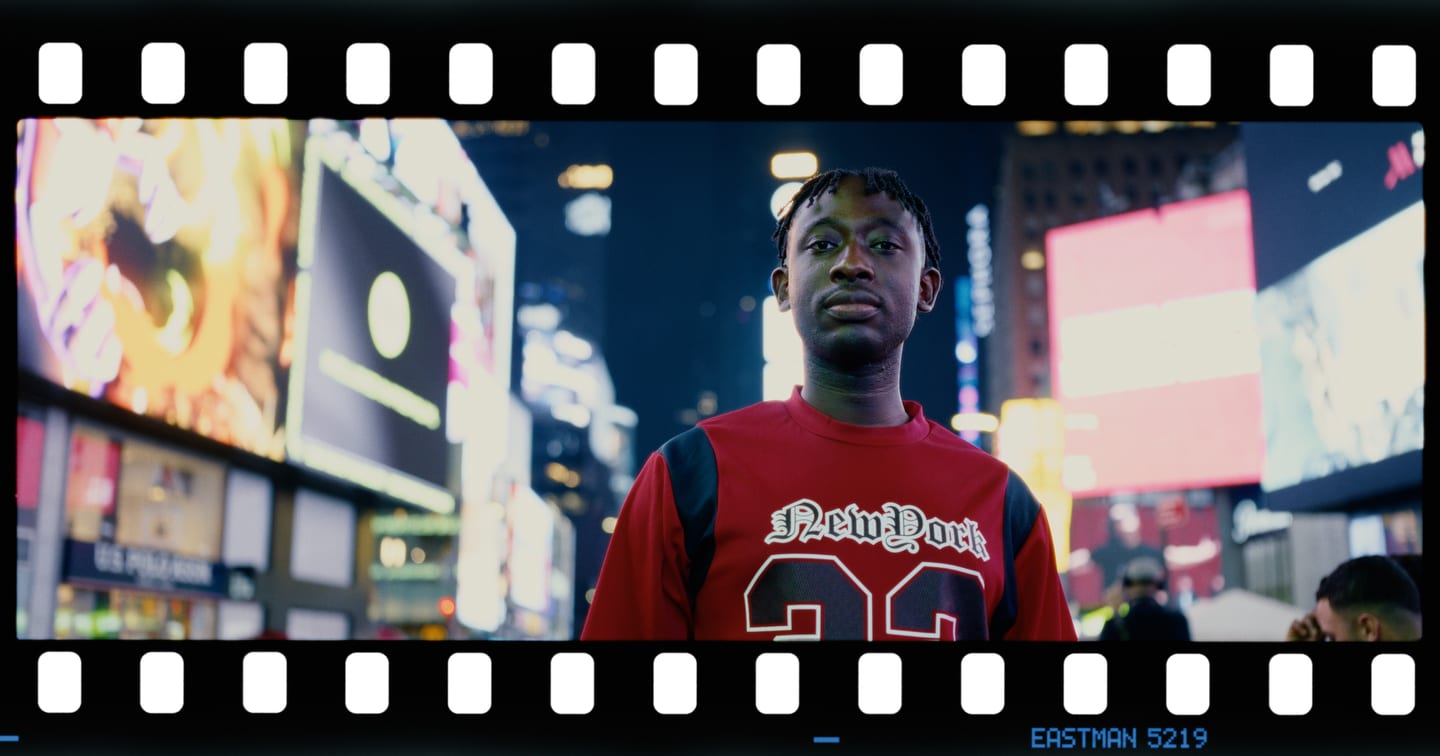
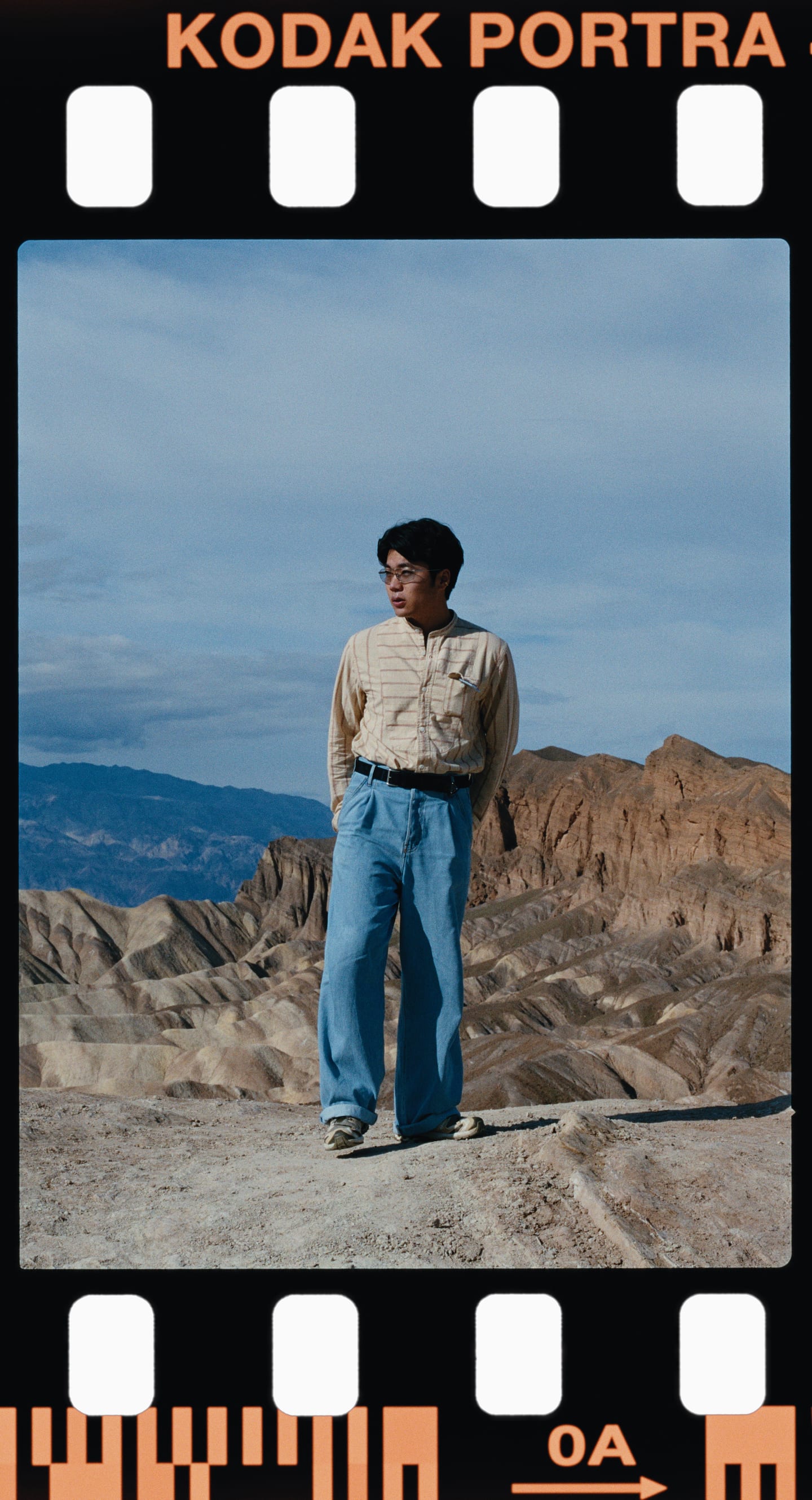
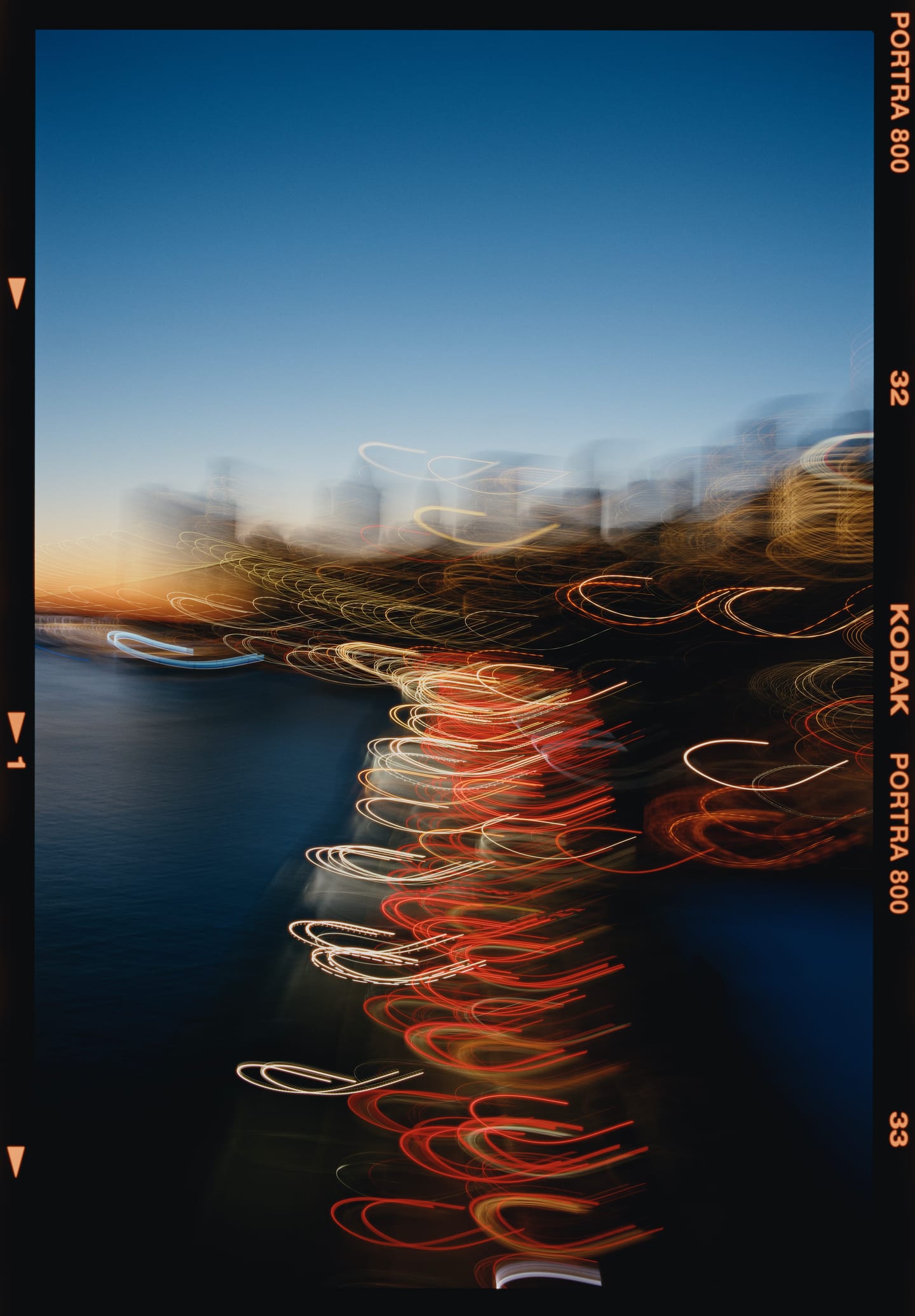
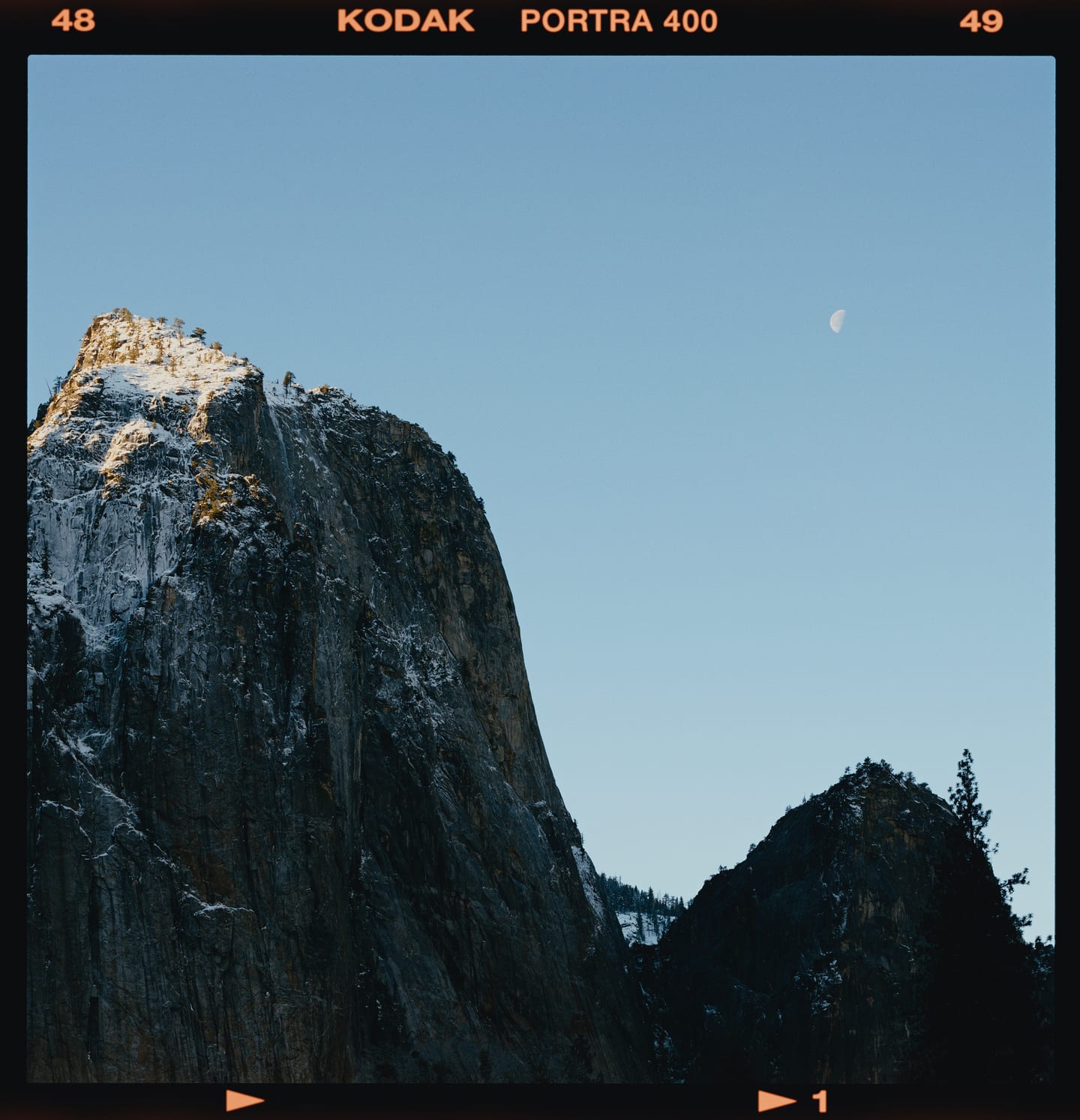
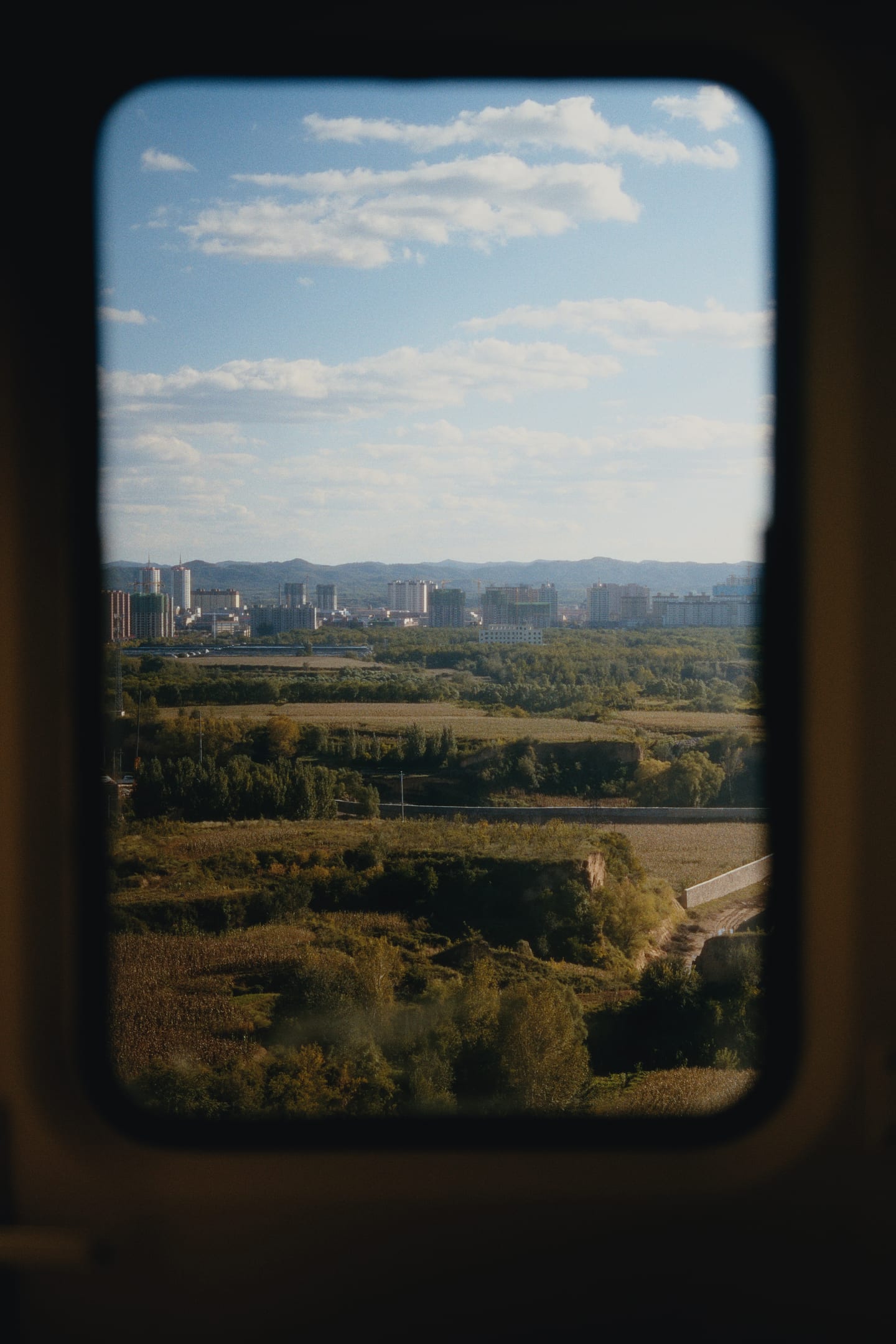
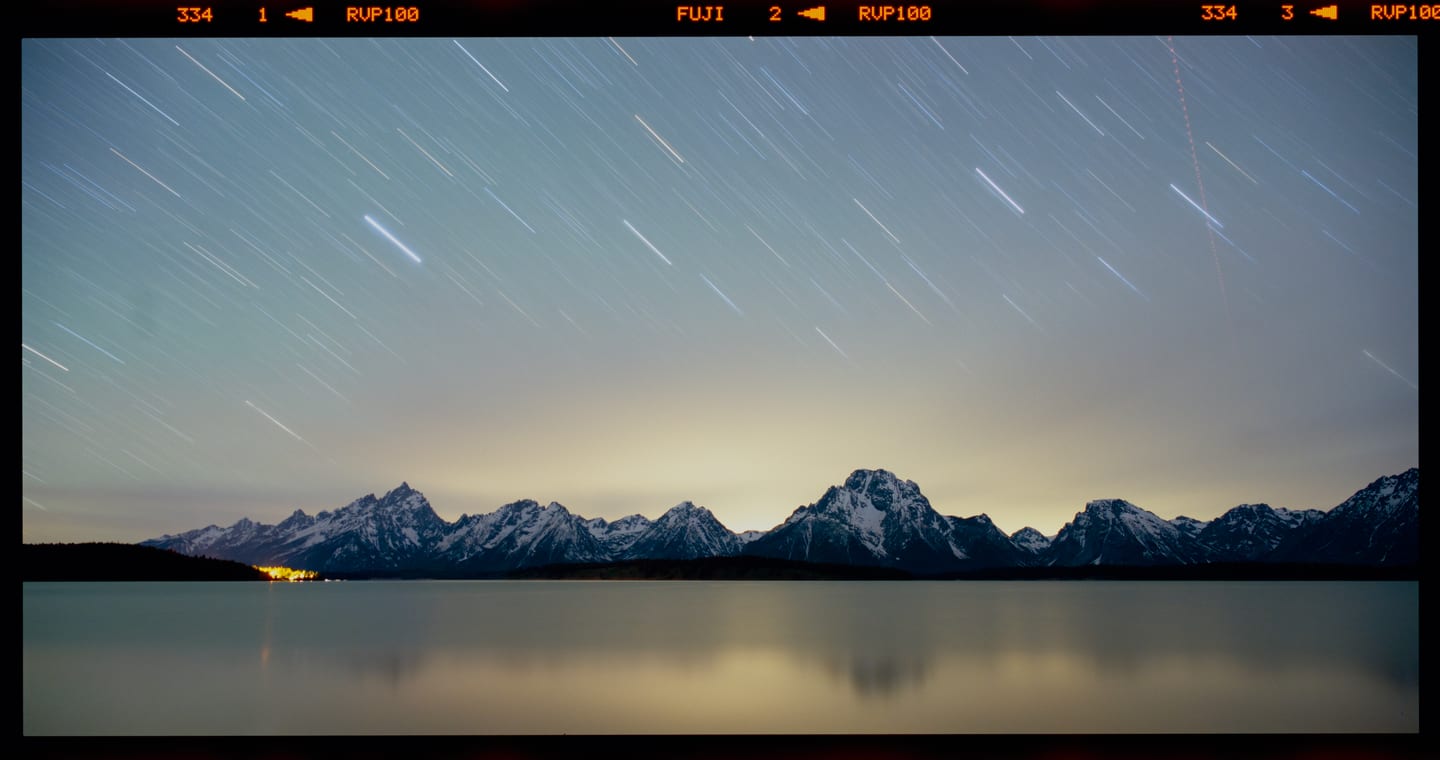
Film Edge prints the frame on its own strip — rebate, perforations, each stock's edge print and frame numbers, measured on real strips. Date Back exposes the date, and on 120 the shooting data, into the negative the way a data back did, so they take grain and halation like everything else.
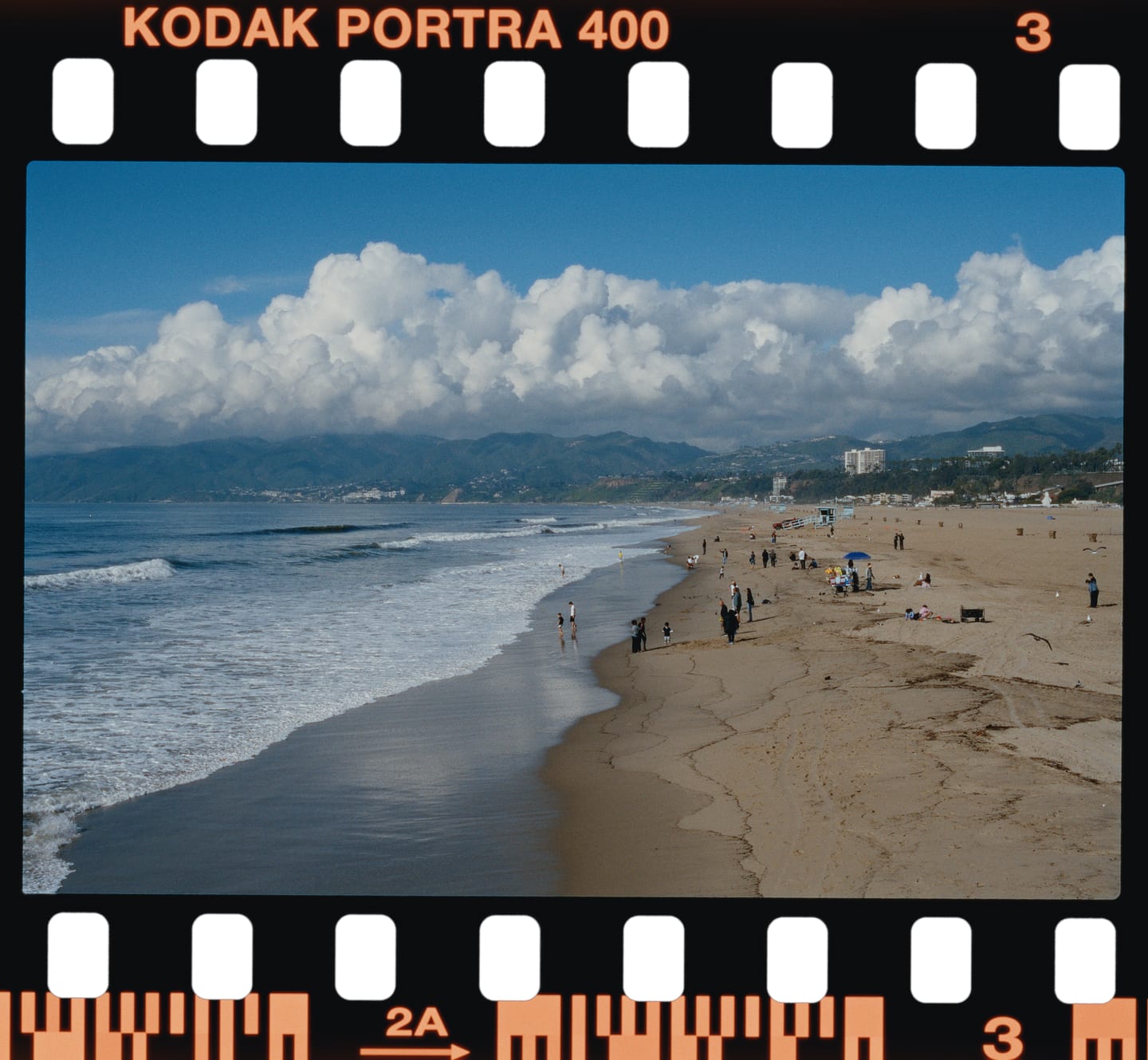
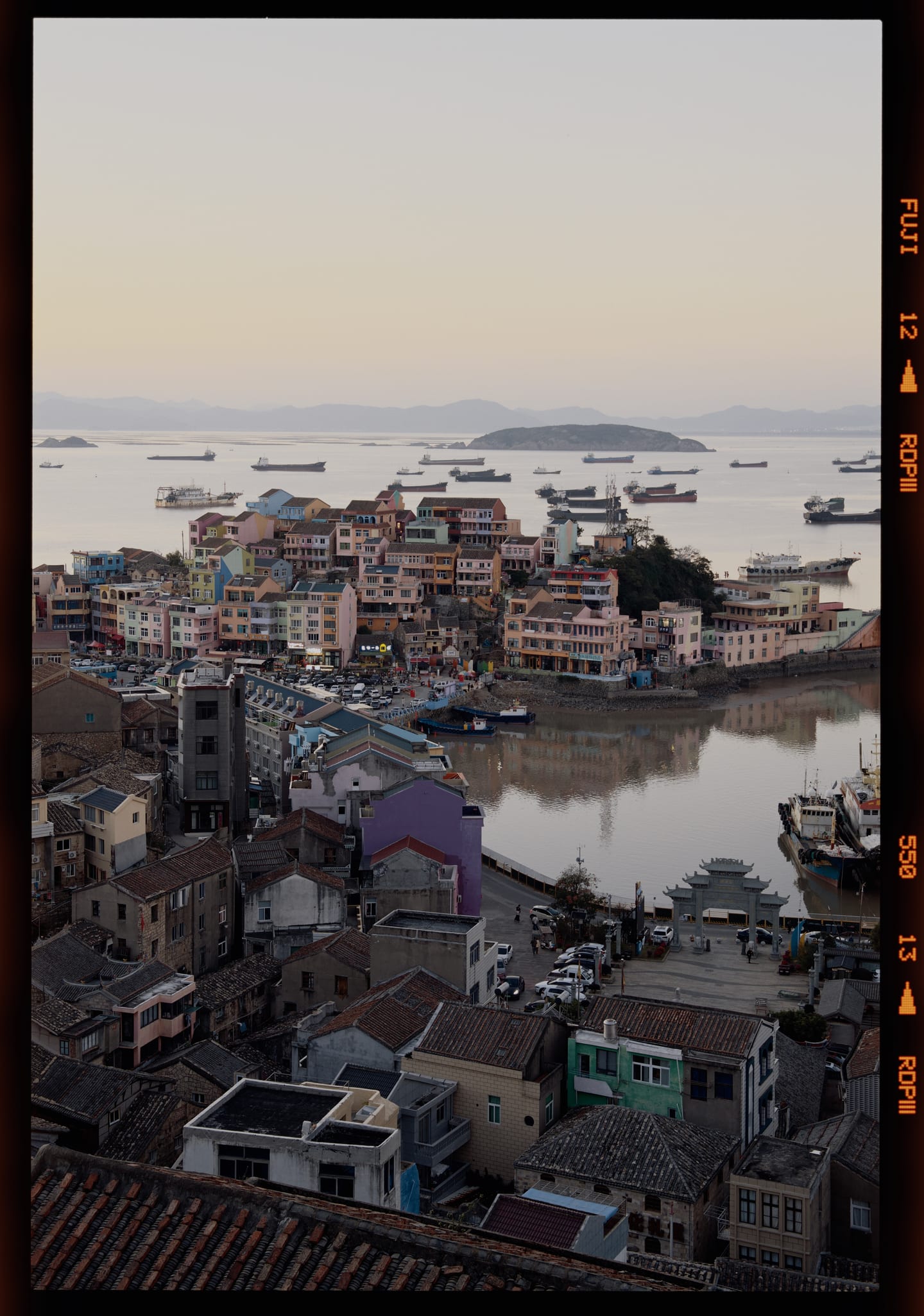
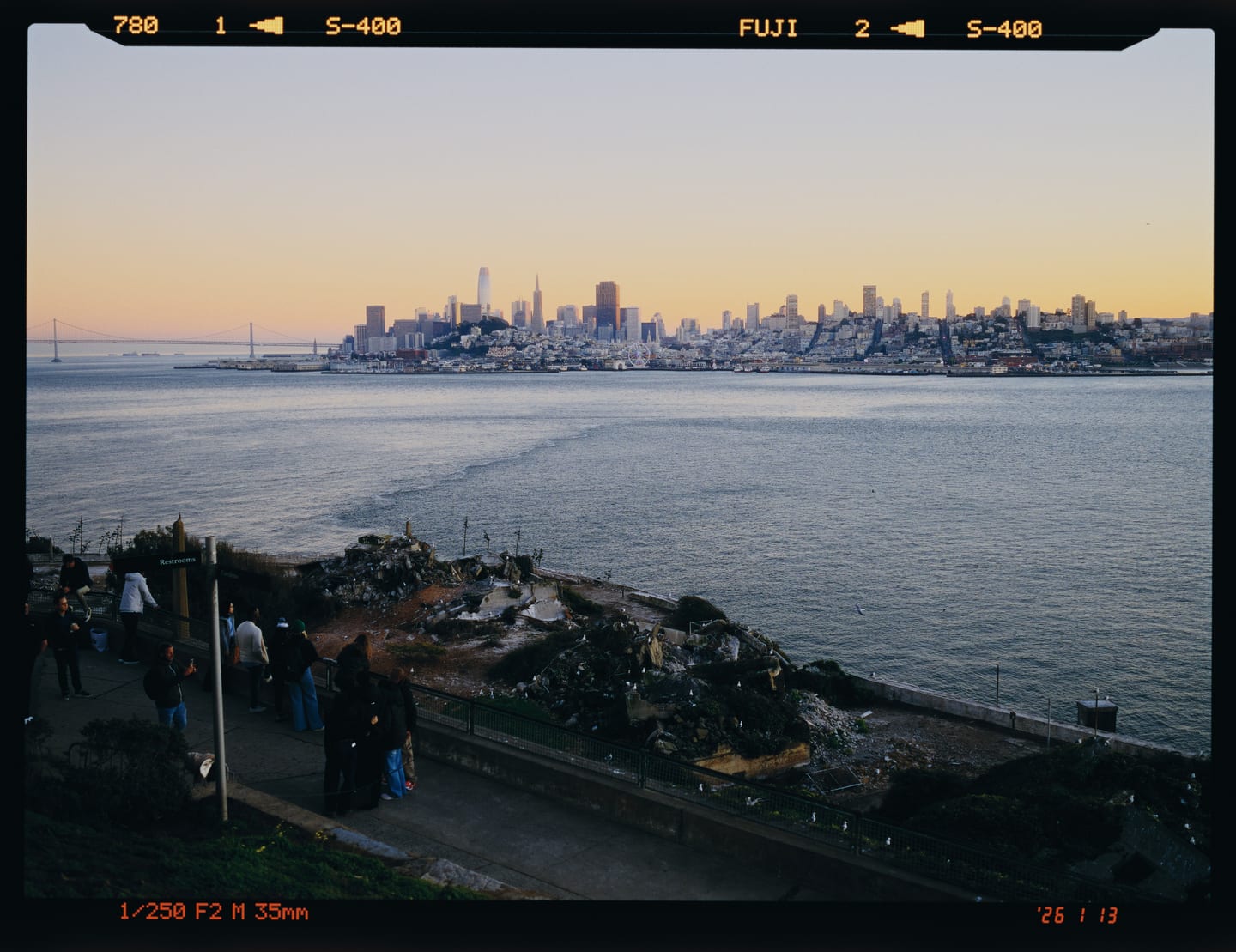
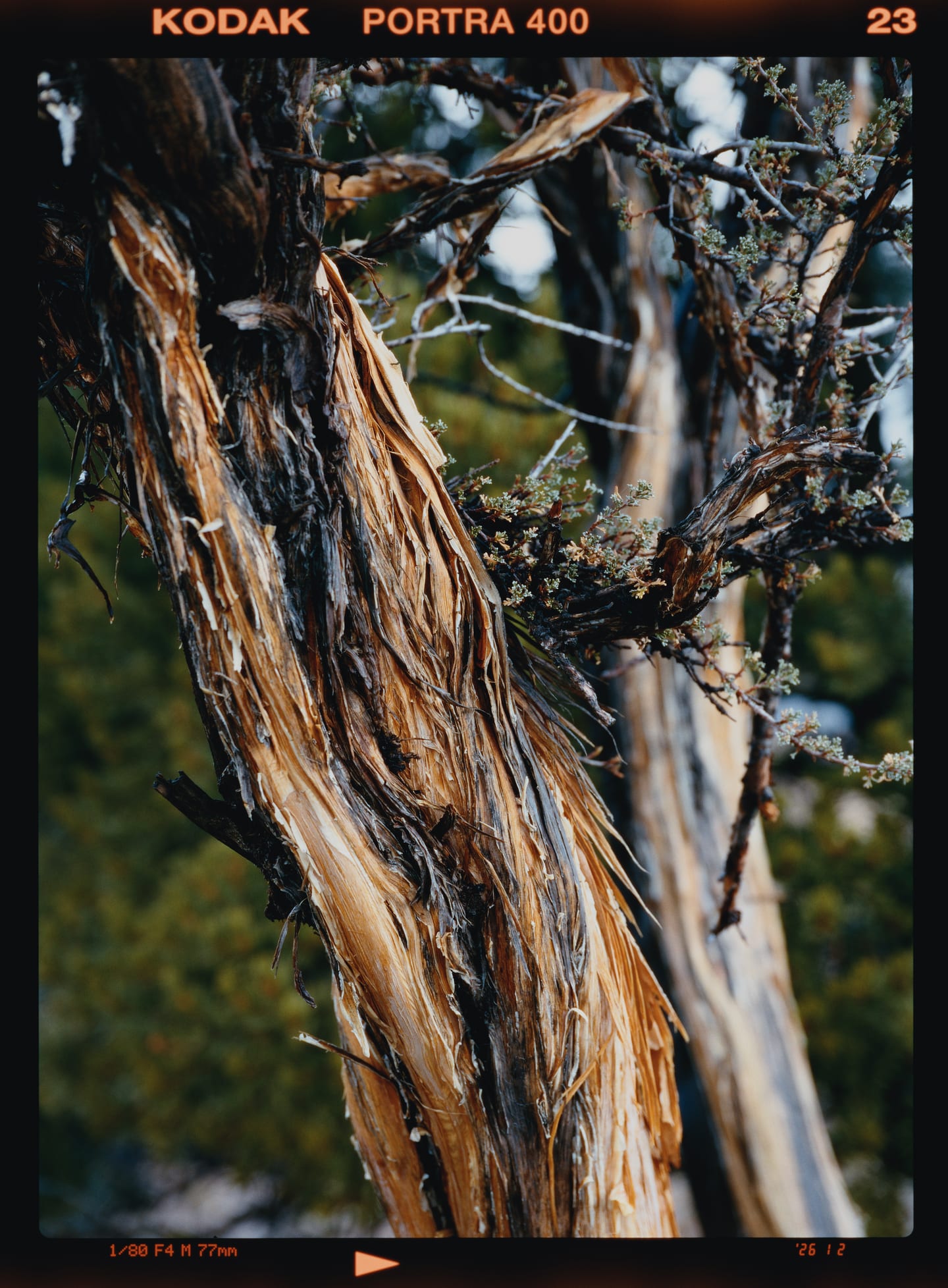
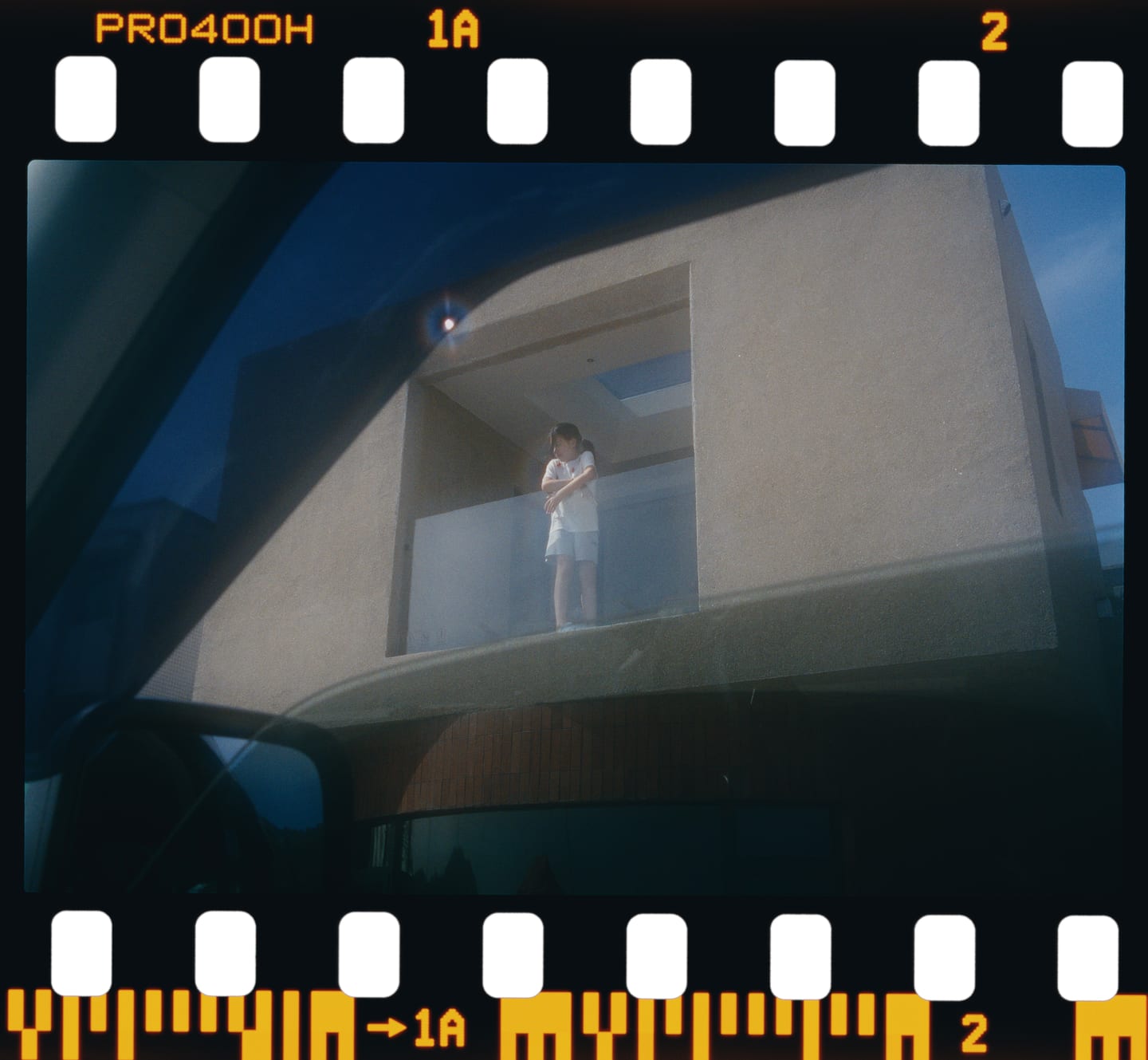
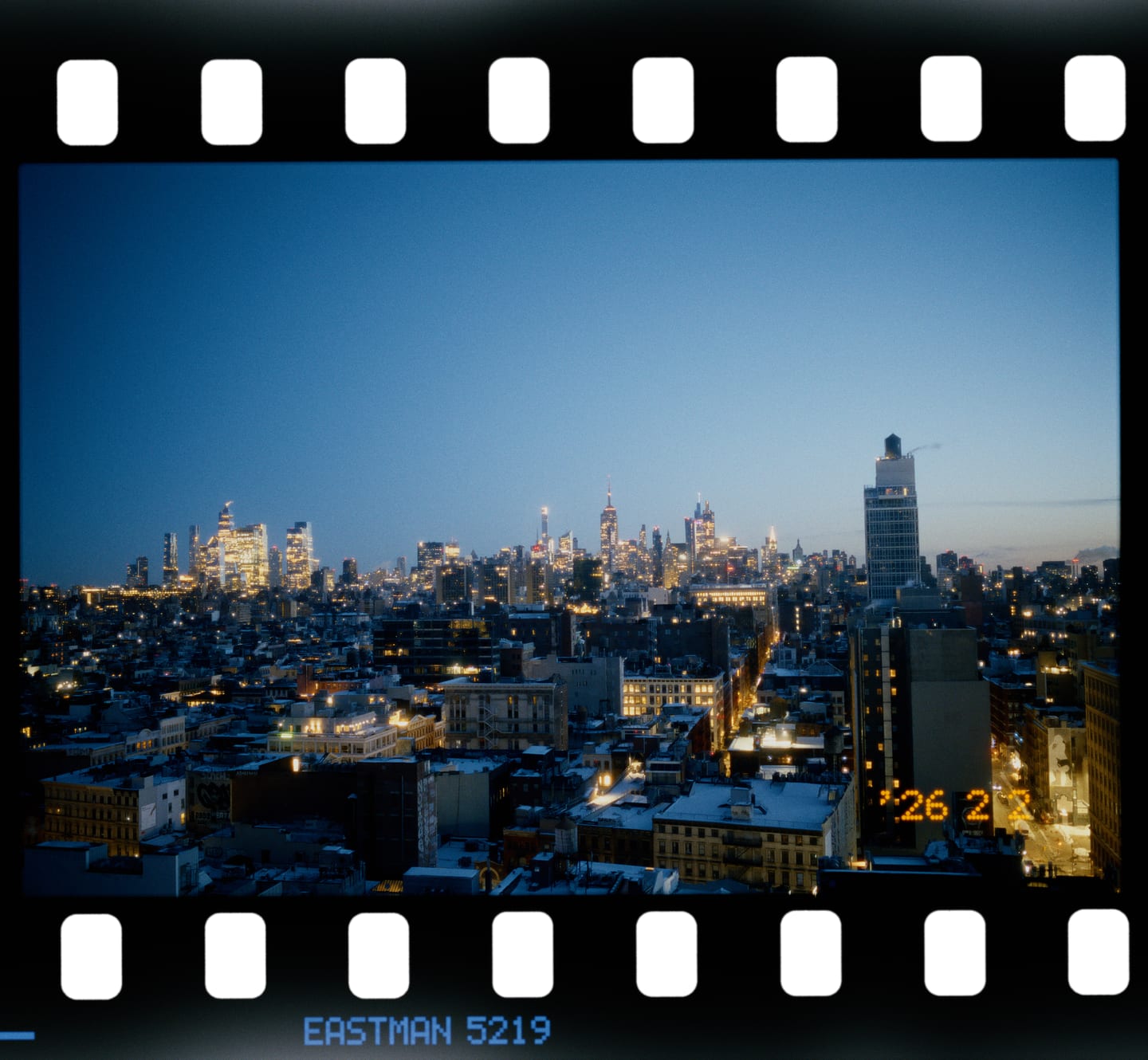
Half-frame pairs
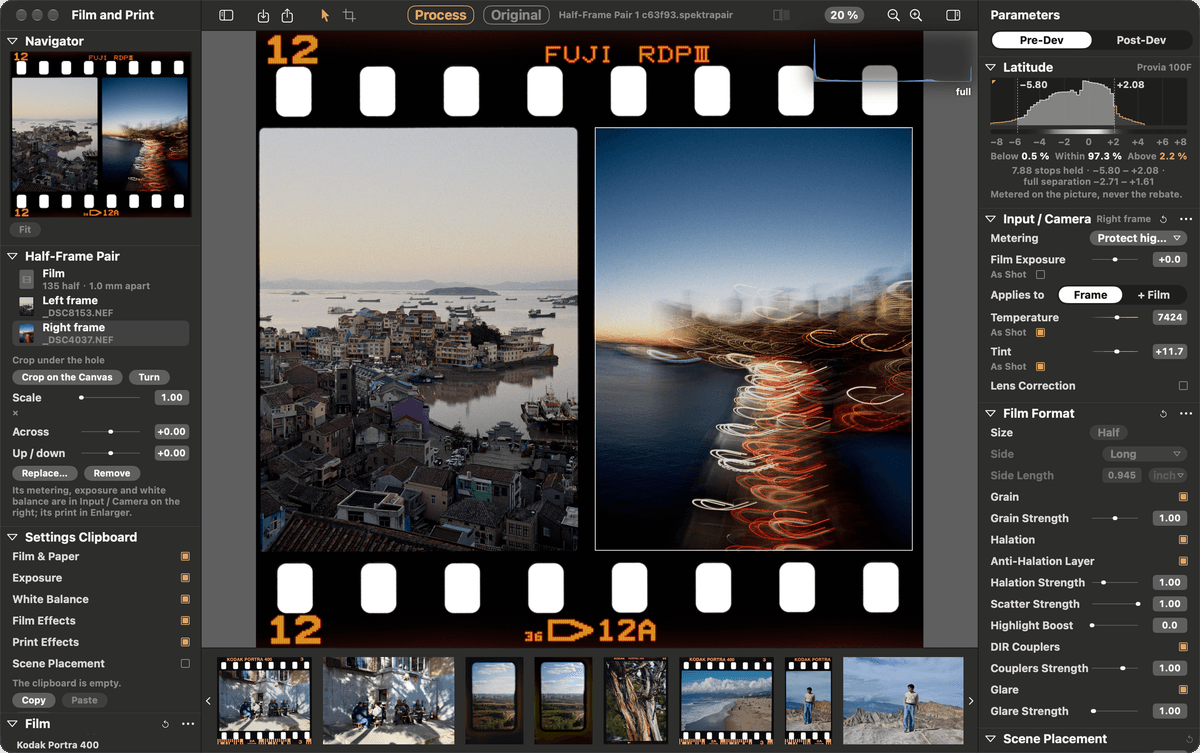
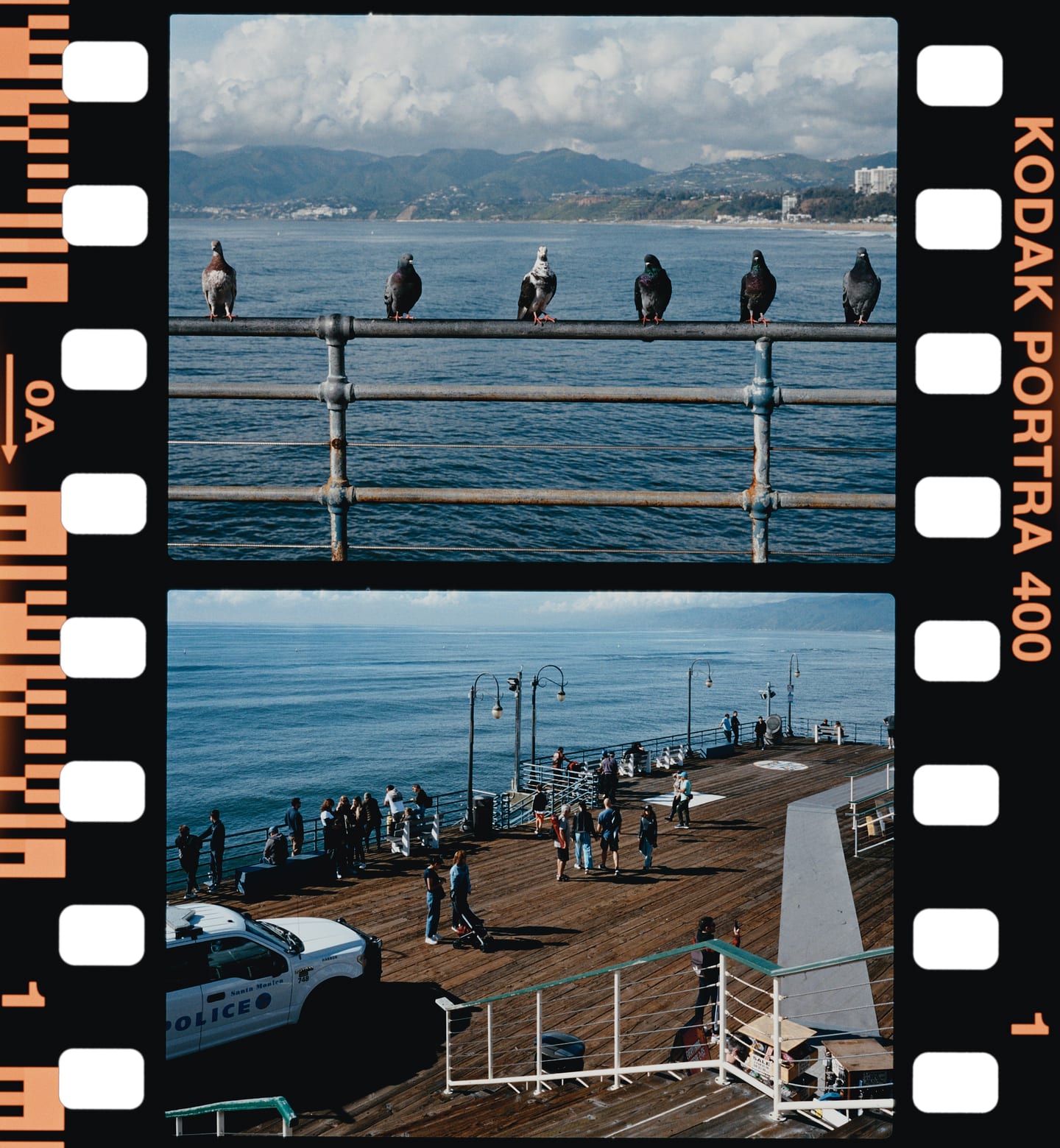
A half-frame pair is two photographs on one frame's worth of 135, side by side or one above the other. Each hole has its own metering, white balance, print and grade; the pair is one item in the filmstrip and exports as one picture.
Workflow
Export recipes that prove the file before writing it, a clipboard that carries settings across a folder, and a command line and MCP server that drive the very same session.
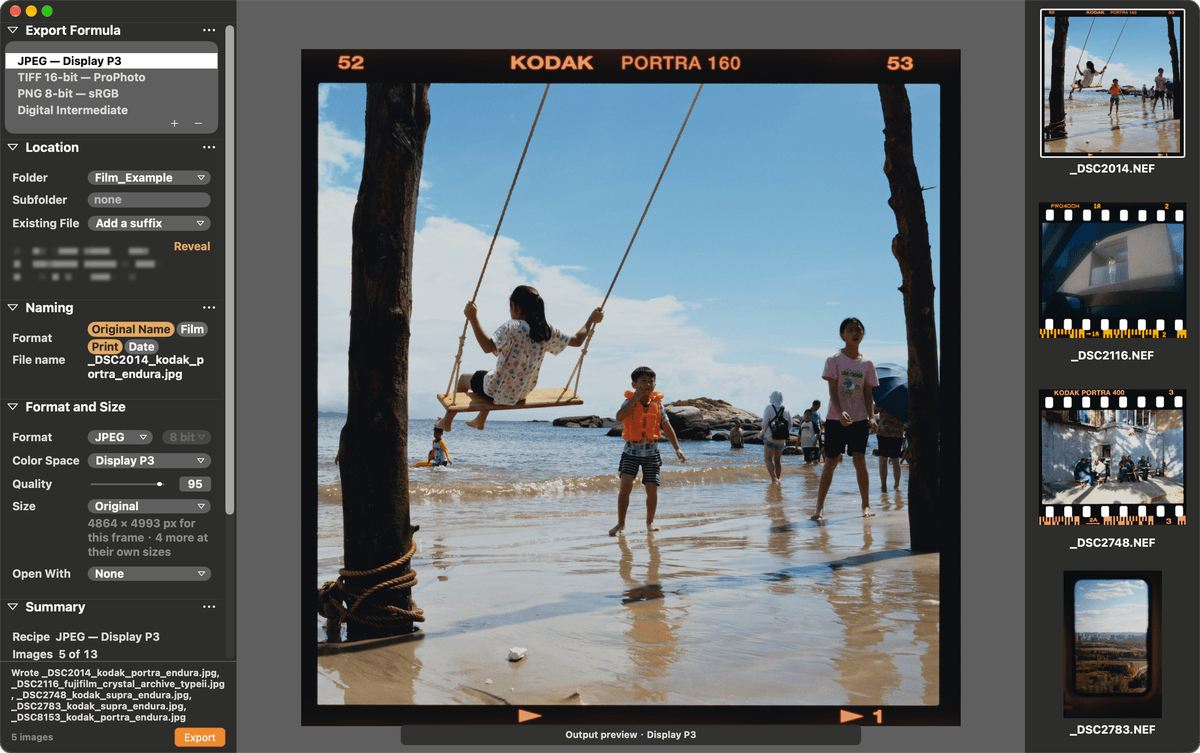
A recipe names a format, depth, colour space, size, naming and folder — JPEG in Display P3, 16-bit TIFF in ProPhoto, 8-bit PNG in sRGB, or a Digital Intermediate for grading elsewhere. Every file is proofed at its own resolution before it is written, pixel for pixel. Batches run one frame at a time, so a 45 MP export never needs more than one render's memory.
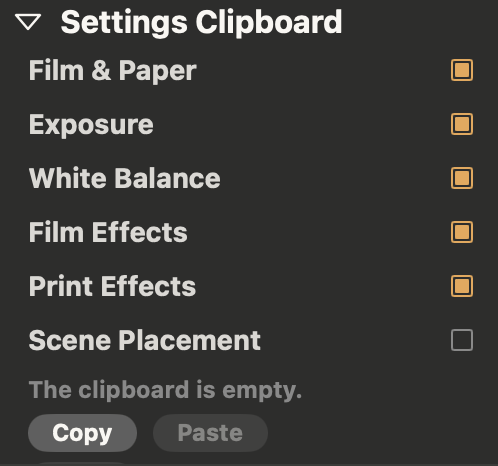
Tick what travels — film and paper, exposure, white balance, film and print effects, scene placement — then copy, paste, or Sync to every selected photo. Crop, grade and film edge stay with each frame.
$ spektralab edit beach.NEF --patch '{"params":{"filmStock":"kodak_portra_400",
                                "printStock":"kodak_supra_endura"}}'
$ spektralab process beach.NEF --preview beach.jpg
$ spektralab export beach.NEF --recipe "JPEG — Display P3"
$ spektralab mcp # serve MCP over stdioThe window, spektralab and an MCP server drive the same session, so an agent can choose a film, a paper, an exposure and a grade — and never paints a pixel. Every result is a print someone could have made. Off until you turn it on in Settings ▸ Agents.

Apple silicon · macOS 15 or later · Signed with a Developer ID and notarised by Apple. Open the DMG and drag SpektraLab to Applications.
SHA-256cf548ed6b83601c468e22430302cab8839fb30f3e5352c6d07a38bf074562c6b
Windows and Linux: a Vulkan engine and a Qt Quick editor are in development on GitHub. No builds are published yet.